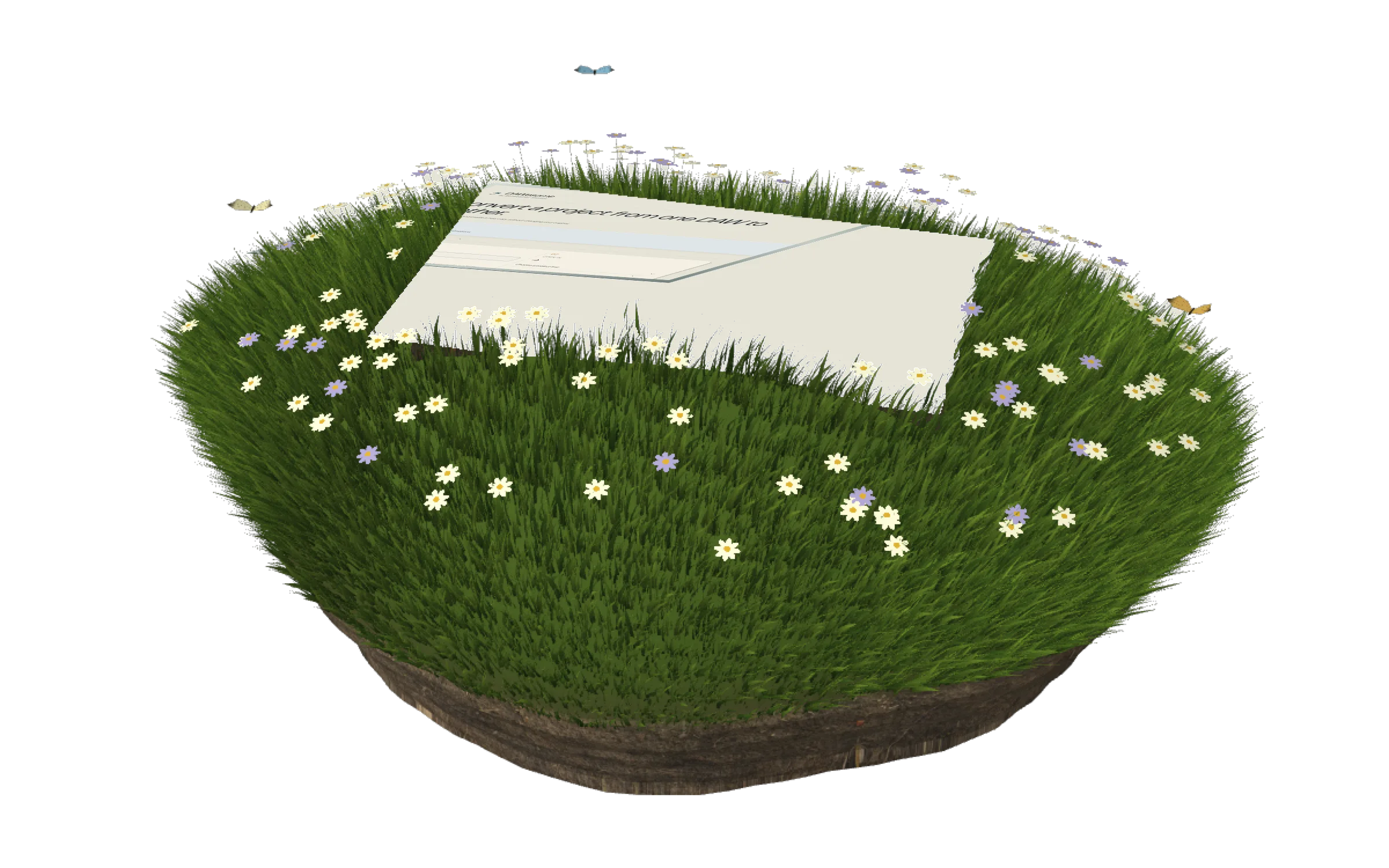
Free for Mac
Move sessions between DAWs.
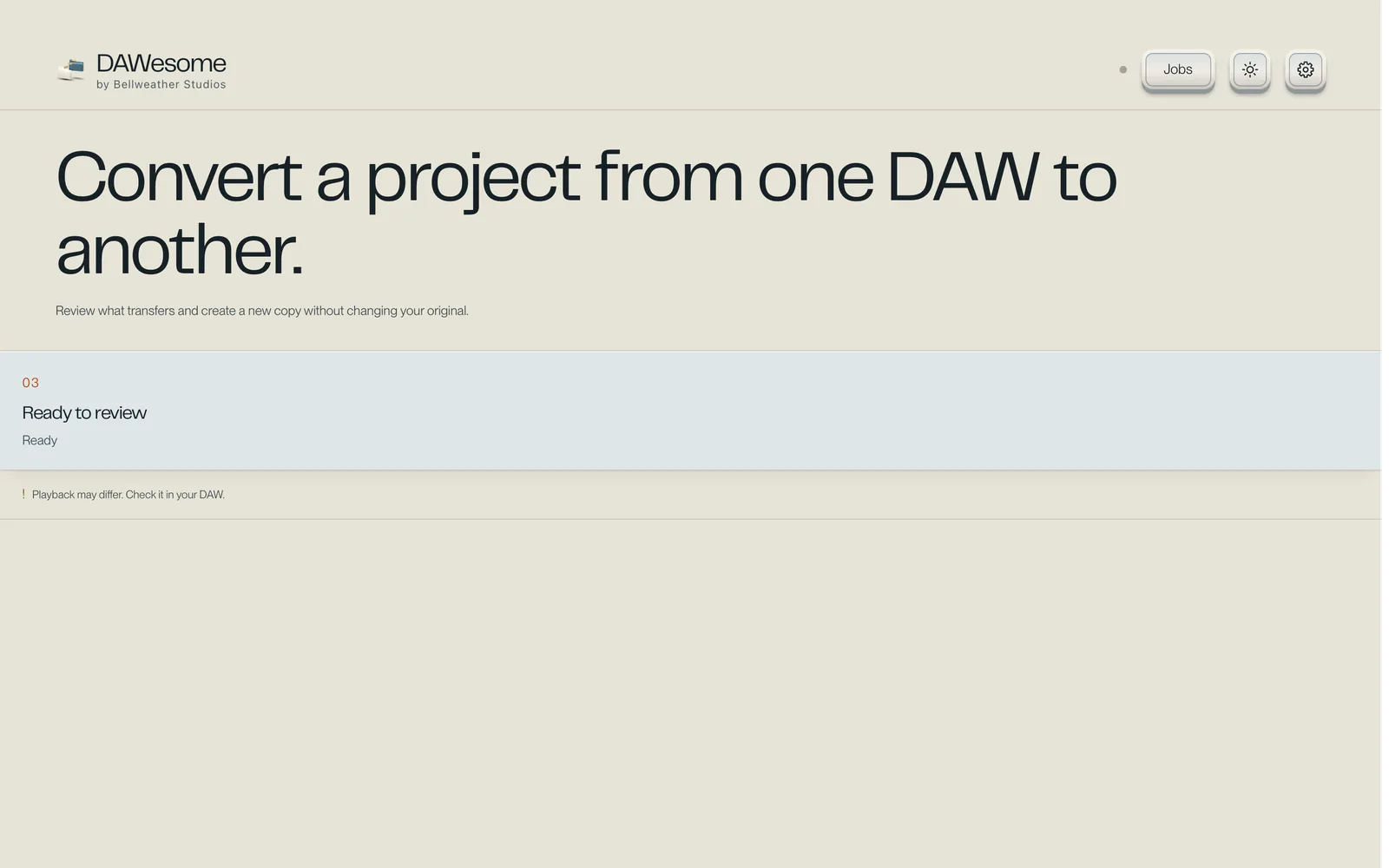

Review
See it before it's written.
Tracks, notes, tempo and audio, and what can't be carried.
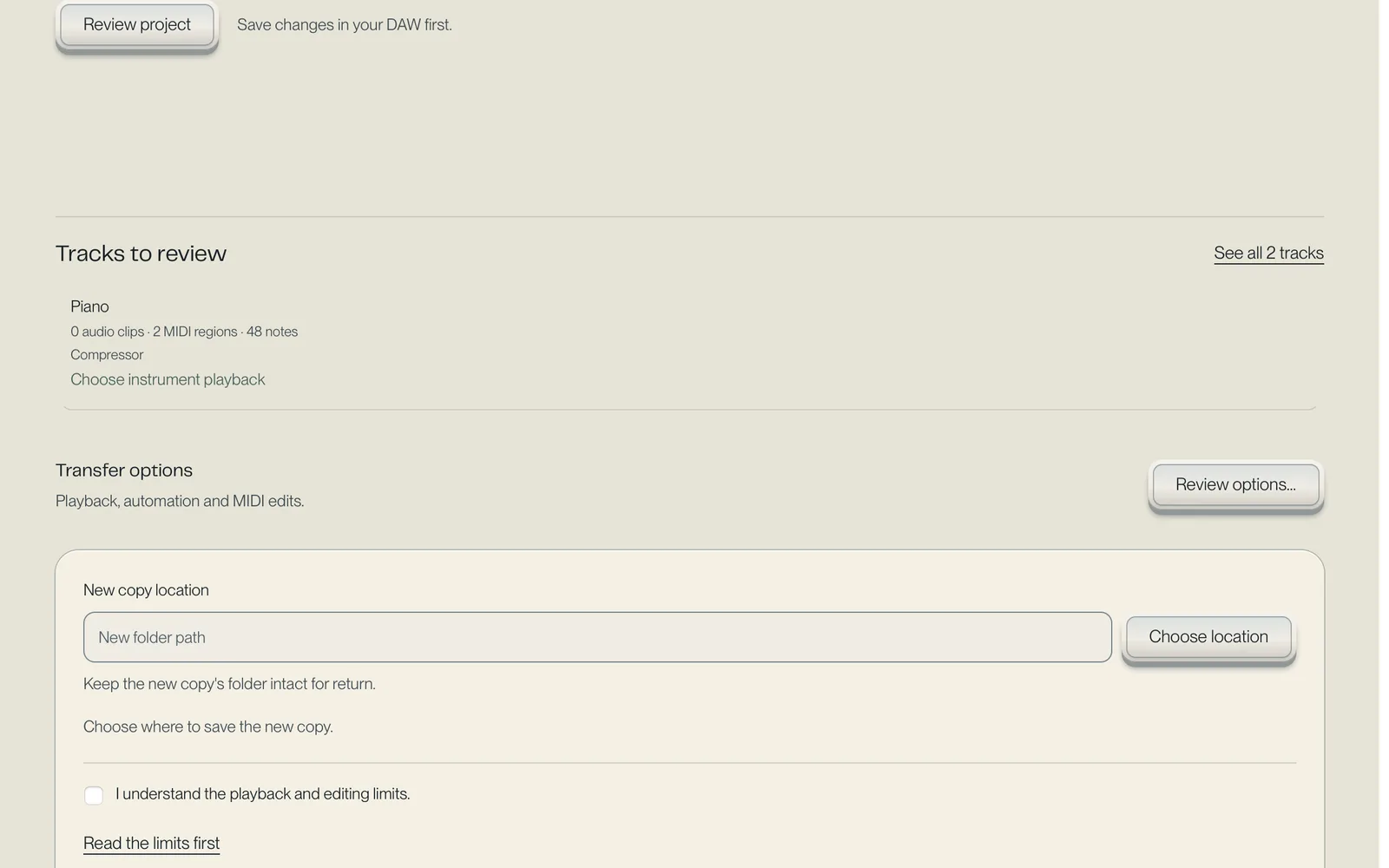

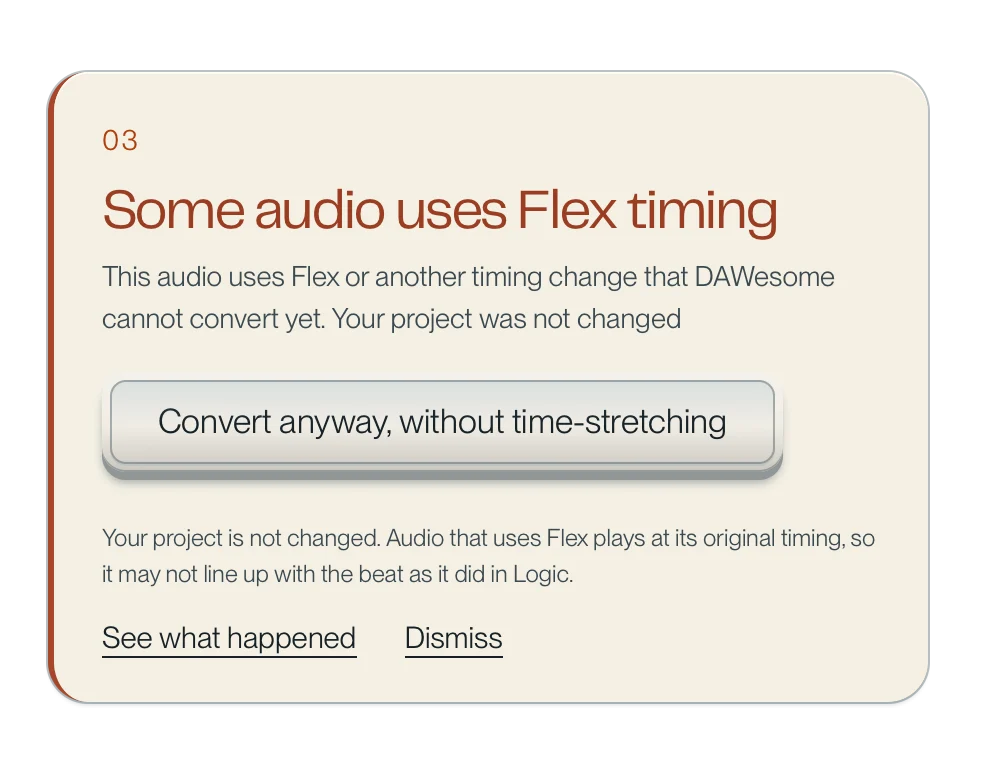
Flex
When in doubt, spell it out.
Flex time-stretching stops the conversion before anything is written. You choose whether to go on without it.
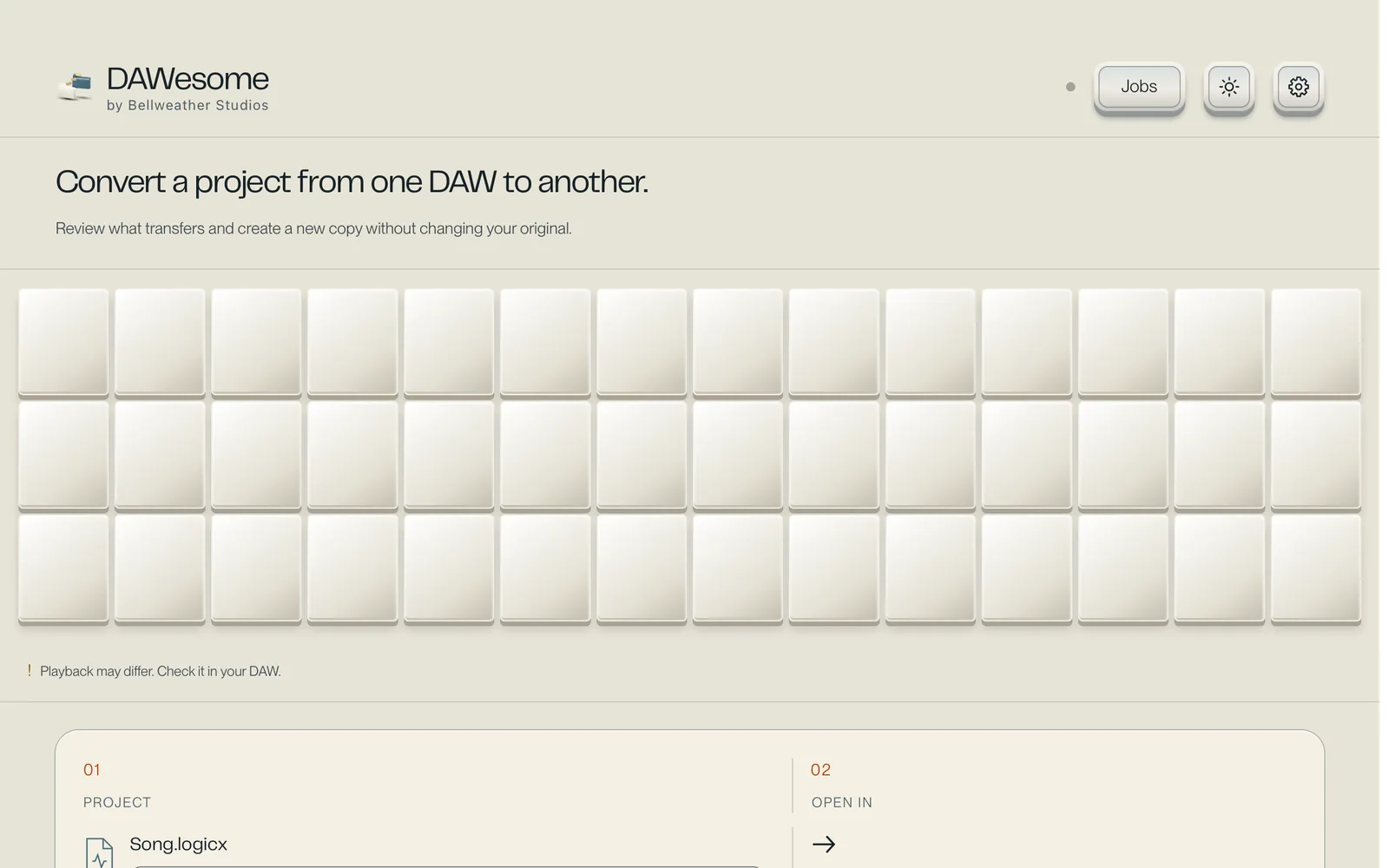
Report
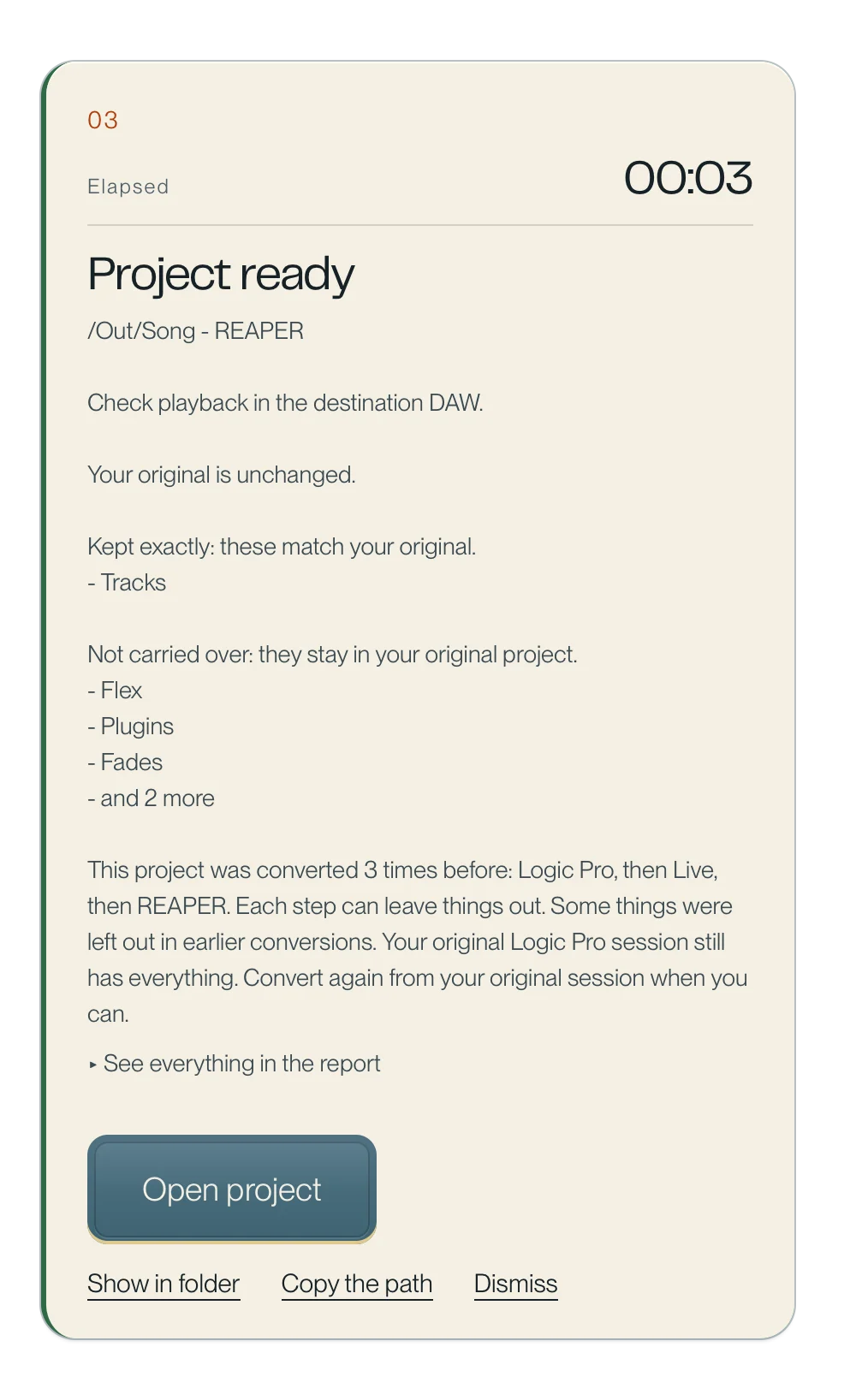
A plain report, every time.
What was kept. What was approximated. What was not carried over.
Walkthrough
Watch it work
Video steps
- Open DAWesome. This clip uses a sample project, so nothing here is yours.
- Choose a project, or drop one on the window. DAWesome reads it and never changes it.
- Pick the program you want the new copy for.
- Choose Review. DAWesome shows what it found, and what will and will not carry over.
- Choose where the new copy goes.
- Tick the playback note, then choose Convert project. You can cancel while it runs.
- The report says your original is unchanged, then what was kept and what was not carried over.
- From the result you can open the project, show it in its folder or copy its path.
- Jobs opens Recent jobs and recovery, where saved conversions are listed. This sample run saved none.
Between
- Logic Pro
- Pro Tools
- Ableton Live
- REAPER
Never carried
- Instruments and sound
- Sends and folders