Introduction
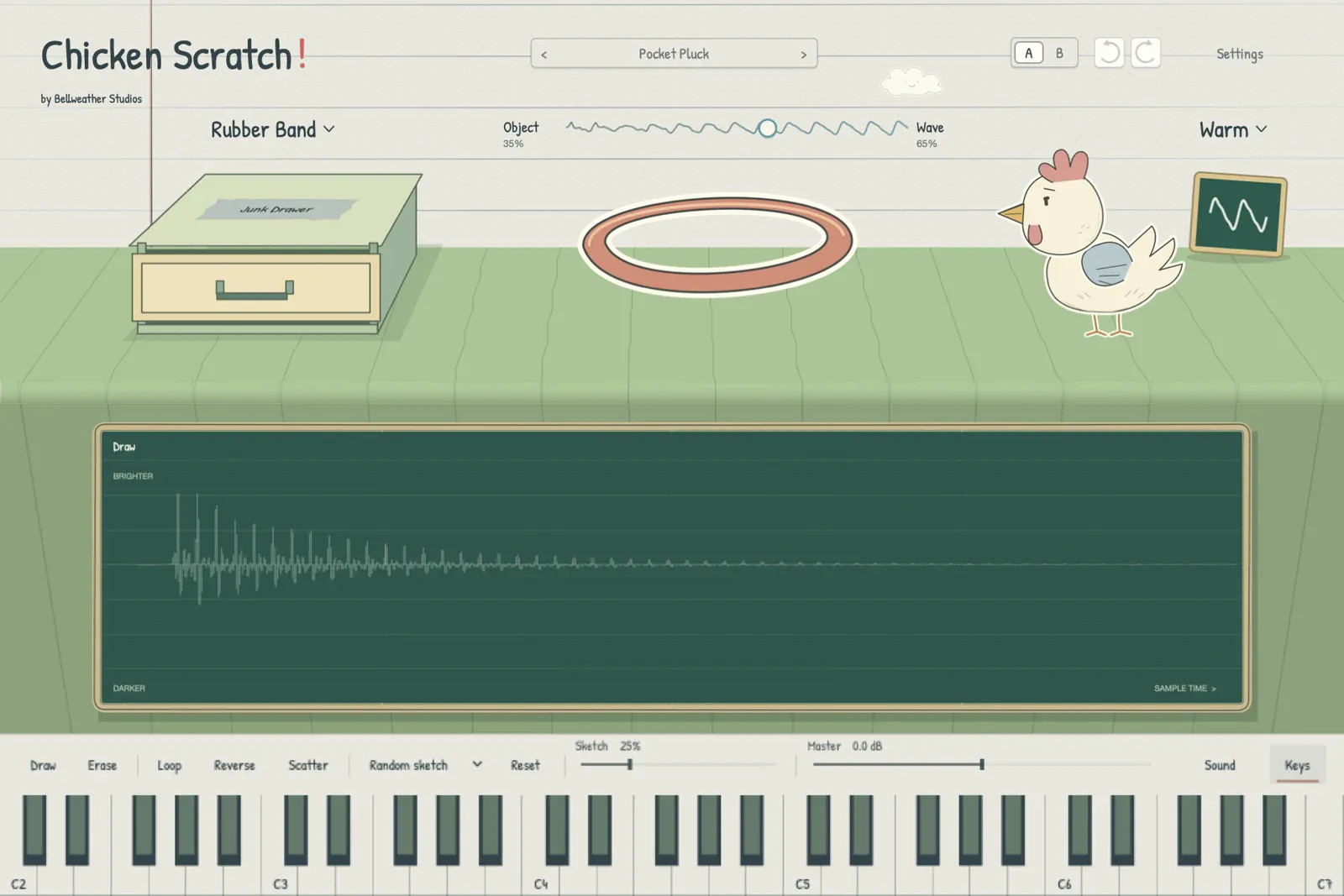
Chicken Scratch is a free instrument that turns everyday sounds into something you can play. Pick a recording from the junk drawer, draw on the chalkboard and play a note. Yes, there is a chicken.
Formats
Chicken Scratch runs on its own as a Mac app, or inside your DAW as an Audio Unit, VST3 or AAX instrument. It takes MIDI in and sends stereo audio out.
Your first note
- Click the on-screen keys, play a MIDI keyboard, or use the computer keys A S D F G H J K. Space stops all notes.
- Draw across the chalkboard and play again.
- Raise the Sketch slider to hear more of your drawing.
- Move the slider between Object and Wave to change the balance.
In the app, Options at the top left chooses the audio output and MIDI inputs.