Saving and Comparing
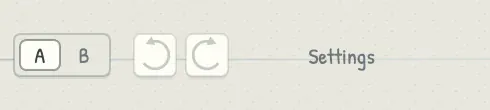
- A and B hold two sounds so you can compare them. Settings > Copy sound A to B copies one to the other.
- Undo and redo are the arrows at the top, or Command-Z and Shift-Command-Z. Switching between A and B clears the history.
- Choose a preset from its name, or step through them with the arrows. A star means you have changed it.
Keeping your sounds
- Save preset... adds the sound to My sounds and asks before replacing one.
- Show my presets folder is where you delete a preset.
- Save sound as... writes a file. Use it for sounds over 3 MiB.
Your DAW project also saves the whole sound.