Sound Panel
Press Sound for the detailed controls. You can pop the panel out into its own window and dock it again.
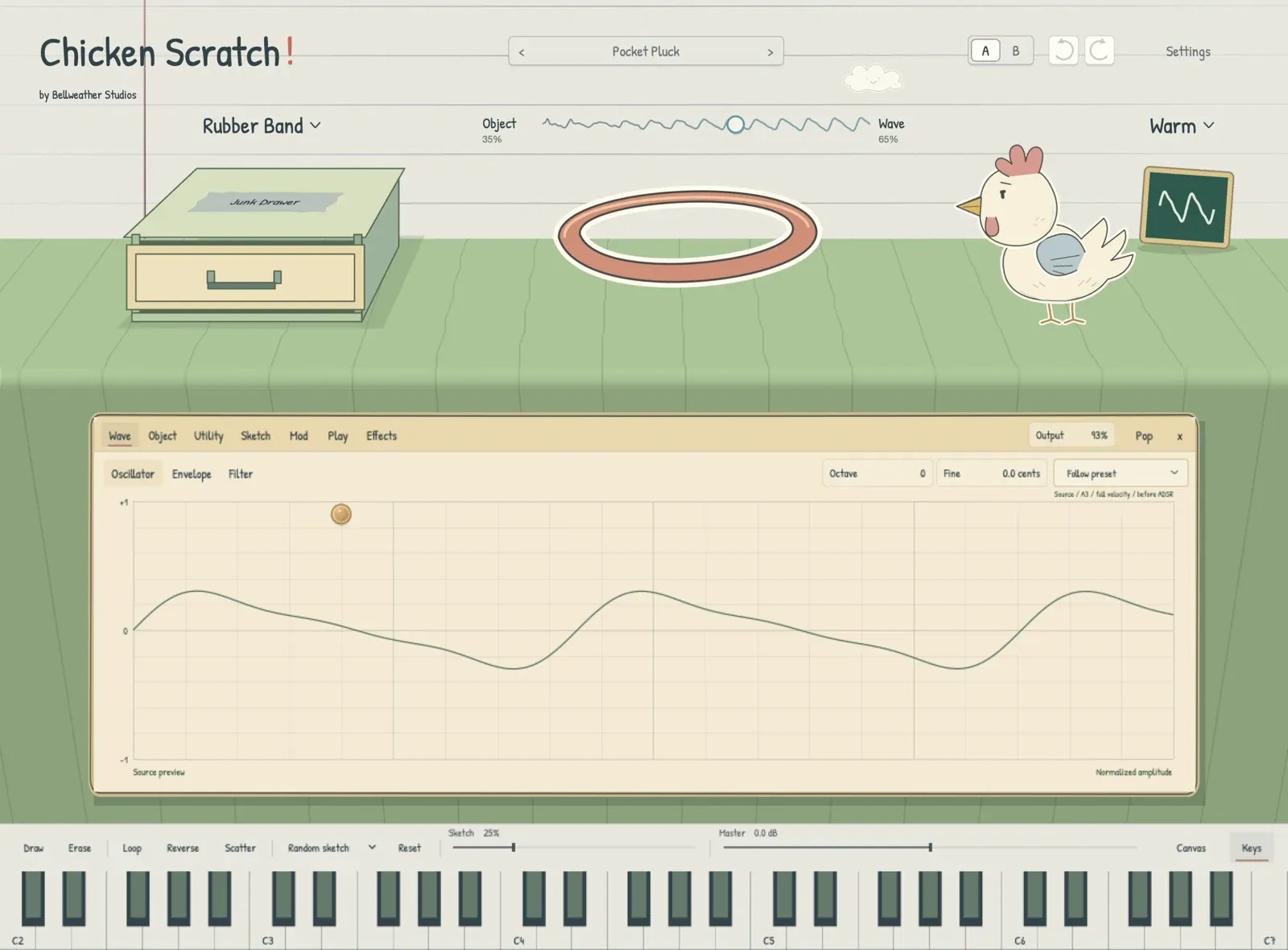
Wave
- What is on it
- The synth layer, its tuning, filter and envelope.
Object
- What is on it
- Which part of the recording plays, tuning, looping and envelope.
Utility
- What is on it
- An extra layer of noise, off to start.
Sketch
- What is on it
- Where your drawing is sent, and an XY pad.
Mod
- What is on it
- Two LFOs and an envelope that move other controls.
Play
- What is on it
- Poly, mono and legato, glide, mod wheel, pressure and velocity.
Effects
- What is on it
- Delay, saturation, flanger, phaser, bitcrush, compressor, limiter and a space finish.
| Tab | What is on it |
|---|---|
| Wave | The synth layer, its tuning, filter and envelope. |
| Object | Which part of the recording plays, tuning, looping and envelope. |
| Utility | An extra layer of noise, off to start. |
| Sketch | Where your drawing is sent, and an XY pad. |
| Mod | Two LFOs and an envelope that move other controls. |
| Play | Poly, mono and legato, glide, mod wheel, pressure and velocity. |
| Effects | Delay, saturation, flanger, phaser, bitcrush, compressor, limiter and a space finish. |
Swipe sideways to compare
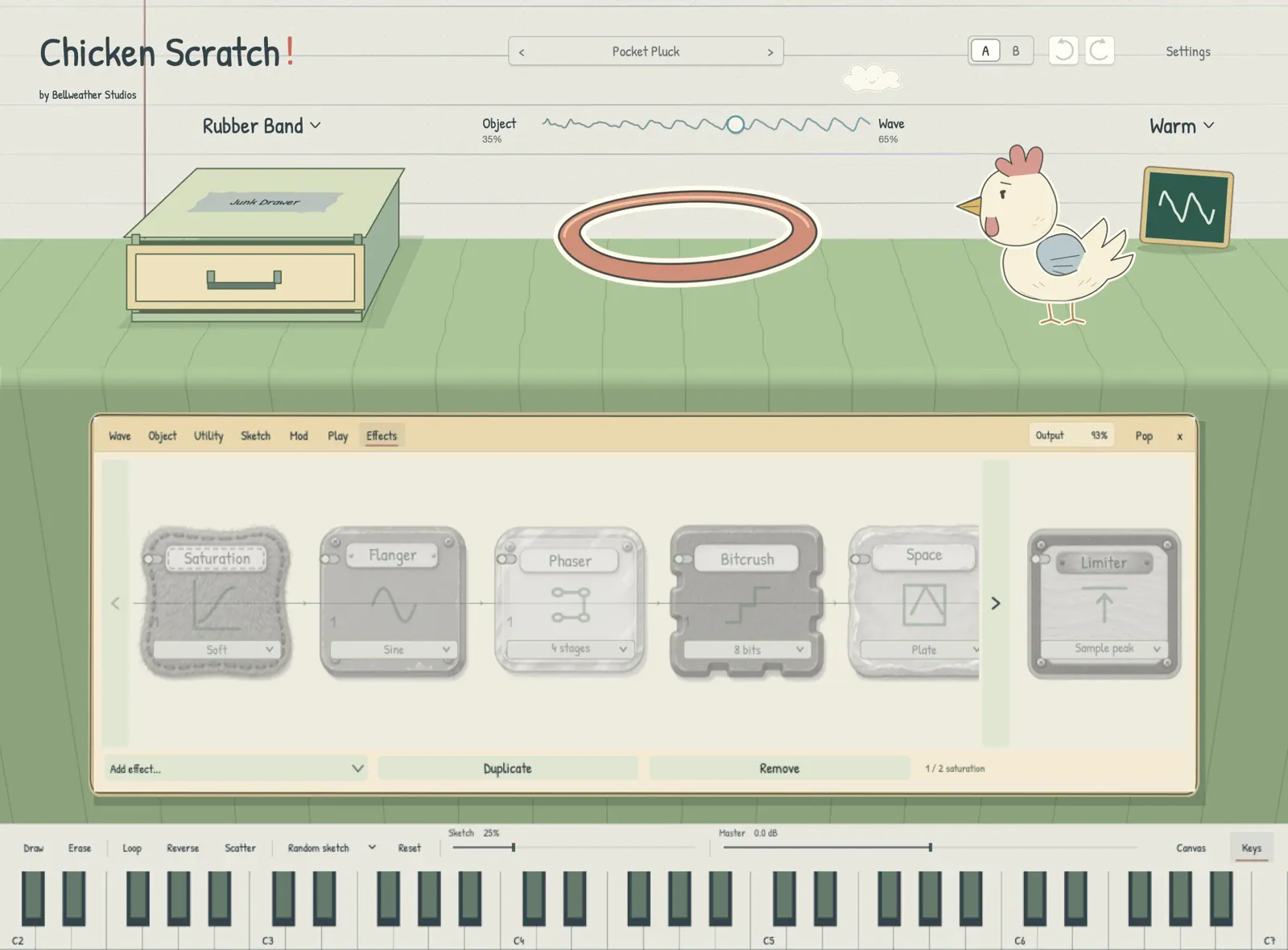
Output, at the right of the tabs, sets the level of this sound. Master, in the bottom bar, is your own level and does not change when you load a sound. The limiter works on sample peaks.